
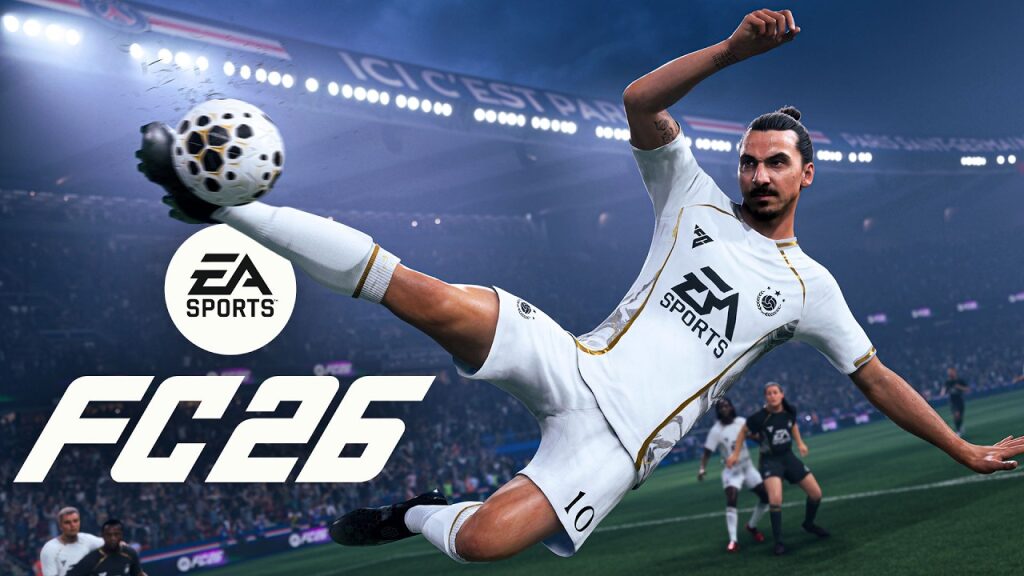
Update deployed this January 21 for EA Sports FC 26: Version 1.4.1 arrives on all platforms under Patch 1.15 (PS/Xbox) and Patch 1.000.014 (next generation). The download is lightweight and targets internal Bug Fixes. Once installed, the home screen correctly displays Version 1.4.1. No interface changes are expected, but the Optimization behind the scenes should smooth the online and offline experience. The teams confirmed a batch of fixes already released earlier this month, notably on Clubs, Ultimate Team, and AI behavior.
This update is part of a tightened patch cycle in January. Earlier, a fix touched on Gameplay Improvements with less reactive defensive AI to free up offensive phases. Today, the studio focuses on stability and internal processes. For an FUT player in weekly qualification or a competitive club, the goal is clear: reduce invisible frictions and stabilize sessions. Known issues remain tracked via EA’s community board, while other fixes are already listed as resolved. Here are the details, concrete examples, and best practices to start your next session smoothly.
EA Sports FC 26 Version 1.4.1 Update: Patch 1.15 / Patch 1.000.014 of January 21
The deployment of Version 1.4.1 is effective and identified as Patch 1.15 on consoles and Patch 1.000.014 on next-gen builds. The package remains modest, suggesting targeted tweaks. The studio mentions updates to “internal processes,” with no immediately visible changes.
To verify installation, simply open the game and check the Version 1.4.1 indication on the startup screen. In case of a regional mismatch, restarting the console or the PC client often forces detection. Thus, the technical base consolidates ahead of the next public iterations.
EA Sports FC 26 Patch 1.15 / Patch 1.000.014: size, platforms, deployment
Patch 1.15 and Patch 1.000.014 arrive simultaneously on PlayStation, Xbox, PC, and Switch. The download size remains contained, limiting interruptions. However, expect a full reboot if the update is slow to appear.
Good practice for competitive clubs: validate the version in the lobby before a league match. A build desynchronization can prevent matchmaking. Better to lose a minute than miss a match slot.
In case of doubt, the EA service status page and community Trello list the deployment waves and incidents being tracked. This avoids looking for network errors when the origin is on the service side.
Bug fixes and optimization of Version 1.4.1
This pass targets invisible but useful Bug Fixes. The Optimization of internal processes aims for more reliable load times, more stable menu management, and a reduction of background errors. Nothing aesthetic here, but a cleaner base that becomes noticeable throughout sessions.
Thus, players chaining FUT, Clubs, and Kickoff will benefit from a more coherent environment. The benefits mostly appear during quick transitions between modes or after long sessions.
- Version 1.4.1 confirmed at launch.
- Patch 1.15 / Patch 1.000.014 with low footprint.
- Focus on internal Optimization and Bug Fixes.
- No visible New Features for this wave.
- January update cycle still active.
Recent gameplay improvements: adjusted defensive AI
Earlier in January, Gameplay Improvements targeted defensive AI. Reactions of uncontrolled defenders were slowed in marking, creating more space during transitions. Attacks gain fluidity without upsetting balance.
Concrete example: in Division Rivals, Lina, a winger, triggers a one-two. The opposing AI no longer automatically cuts the passing lane. The ball carrier gains half a second more to make a decision. This small window changes a tight match.
This adjustment is not part of Version 1.4.1 but remains crucial for understanding the current meta. Adjust your habits accordingly.
New features: status and outlook
No New Features are introduced by Version 1.4.1. The studio prefers a solid technical base before rolling out new content. This is a frequent live service approach to secure event cycles.
Watch official channels and EA’s Trello board for announcements. Seasonal content and special objectives are generally announced separately from purely technical patches.
Known issues and fixes already deployed
EA maintains a list of ongoing investigations and resolved bugs. This helps distinguish what depends on the user and what requires server or client fixes. Here is the tracking status at Patch 1.15/Patch 1.000.014.
Under investigation
- PC: controller sometimes stops registering inputs in match.
- Matchmaking: unexpected ping spikes during online matches.
- PC: graphics settings reset when entering Options.
These issues may impact weekly competitions. Plan a quick settings check before high-stakes matches.
Recently resolved
- Clubs: “Connection to Lobby Lost” error when searching for league matches.
- UT (visual): confetti and trophies appearing on the pitch.
- Gameplay: stadium shadows present despite option disabled.
- UT: team assignments not saved when entering a match.
- Player Career: added tattoos not saved.
- UT: home menu sometimes inaccessible in the dropdown list.
- Kickoff: CPU sliders not saved after AI change.
- Clubs: incorrect “Golden Goal” message at the end of Live event.
- Clubs: reward notifications displayed in all Objective tabs.
- UT (visual): issue displaying weekly Rivals rewards.
- Gameplay: latency at goalkeeper stop (“Be A Goalkeeper Save Delay”).
- UT: “Path to Pro” Objective did not track progress.
- UT: stability affected on Team screen after onboarding.
- Switch: redirection to Store when changing language.
Other items appear on EA’s community Trello. Consider consulting it before competition to plan your matches.
Use case: how a virtual club prepares after update
The “Racing Montfort” club lines up its starting five in Clubs. First, it checks the Version 1.4.1 mention and restarts the game to avoid any desync. Then, it tests a match search during an off-peak time to validate lobby stability.
The coach briefly adjusts defensive sliders, considering recent AI changes. Finally, everyone checks their peripherals: controller, microphone, and assistance settings. This pre-match routine reduces risks and preserves the game plan.
Practical tips: optimize your experience after the update
A technical patch is the ideal opportunity to update your setup. These simple actions avoid unpleasant surprises during weekly rivals or a Clubs league match.
- Restart the console/PC and check Version 1.4.1 at launch.
- On PC, lock graphics settings after the update.
- Test the controller in Arena before a ranked match.
- Check NAT and prioritize ethernet to reduce latency.
- Update GPU drivers and controller firmware.
- Monitor EA’s Trello for Bug Fixes follow-ups.
Applied systematically, these habits strengthen your performance consistency, especially in competition.
What exactly does Version 1.4.1 change in EA Sports FC 26?
The January 21 patch, identified as Patch 1.15 / Patch 1.000.014, applies internal fixes and process optimization. It doesn’t bring visible new features but aims to stabilize the experience.
Why does my screen still show an old version after installation?
Restart your system and relaunch the game. If needed, force the update search from the library. Then check the Version 1.4.1 label on the home screen.
Are gameplay improvements included in this patch?
Recent defensive AI adjustments were deployed earlier in January. Version 1.4.1 focuses more on stability and technical fixes.
Are new features coming soon?
No new features are integrated in 1.4.1. EA prioritizes optimization. Watch official channels and Trello for content announcements.
How to reduce ping issues in matchmaking?
Use a wired connection, close background apps, choose the nearest region, and check server status. If the anomaly persists, follow EA updates.